How to set up an MCP server for an on-premise database
 TJ Coyle, Co-founder and CEO·9 min read
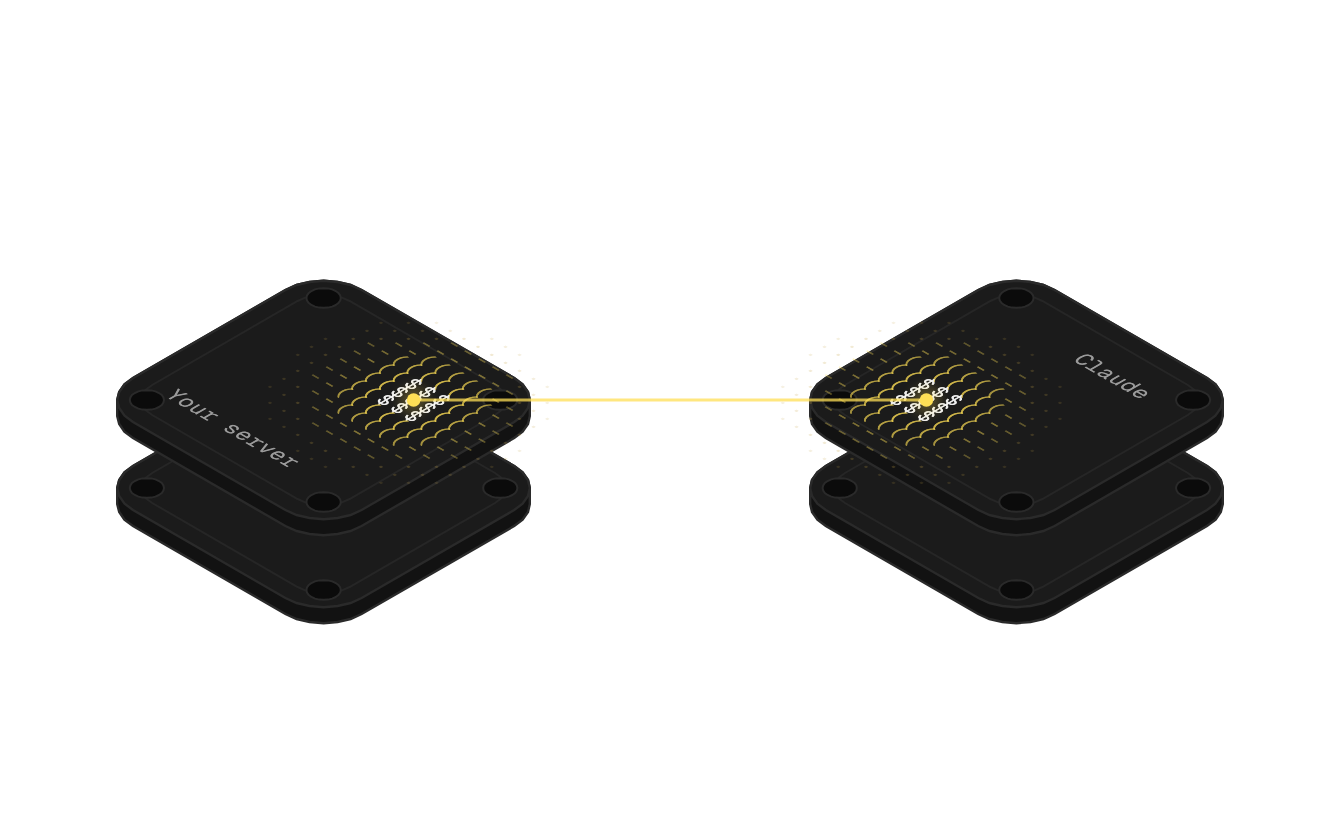
To give Claude or ChatGPT a database on your own network, put an MCP server in front of it with a read-only login, then make that server reachable without opening an inbound port. The usual way is an outbound-only tunnel: a small service inside your network connects out, and the AI's requests come back over that connection.
TL;DR
- Decide who needs to ask. One person on one machine, or the whole team in any AI tool. That picks the route.
- Create a read-only login with only the tables the AI should see.
- Bridge the network outbound only, so nothing on the internet can reach the database directly.
- Serve it as an MCP server and add it to Claude, ChatGPT or any tool that supports MCP.
- Log every call, and keep writes out of the database.
You'll need: someone with access to the network, a database login you can restrict, and an AI plan that allows custom connectors.
Key facts: AI access to on-premise databases
- Where Claude's custom connectors connect from: Anthropic's cloud; servers on a private network or behind a firewall won't connect [Anthropic Help Center, 2026]
- MCP's two standard transports: stdio for a local server, Streamable HTTP for a remote one [MCP specification, 2025]
- SQL Server's built-in read-only role: db_datareader reads all user tables and views, and can't change data [Microsoft Learn, 2026]
- How outbound-only tunnels pass firewalls: The service connects out; most firewalls allow outbound traffic by default, so inbound can stay blocked [Cloudflare Docs, 2026]
- Average cost of a breach involving AI prompt injection: USD 5.89 million [IBM Cost of a Data Breach, 2026]
Why an on-premise database is hard to reach from AI
The database the business actually runs on is often the one nobody can reach. SQL Server on a box in the office, an ERP from years ago, a job costing system the vendor installed and left.
Cloud AI tools can't see it, by design. Anthropic's documentation on custom connectors is explicit: "Servers hosted on a private corporate network, behind a VPN, or blocked by a firewall won't connect, even if you can reach them from your own machine" [Anthropic Help Center, 2026]. The connection comes from Anthropic's cloud, not your laptop.
So the workaround becomes the process. Someone exports a table, pastes it into a chat, and pastes the same export again next week. The answers are as old as the file.
Signs you need this
- The people asking the questions don't have a database login, and shouldn't.
- One engineer gets every "can you pull this for me?" request.
- Exports are pasted into Claude or ChatGPT weekly.
- IT has already said no to opening a port, and they're right.
Quotable fact: A remote MCP server must be reachable from Anthropic's IP ranges, so a database on a private office network needs a bridge before Claude can use it [Anthropic Help Center, 2026].
Four ways to connect AI to an on-premise database
1. A local MCP server on one machine
The MCP specification defines stdio for servers the AI app launches on the same computer [MCP specification, 2025]. Claude Desktop can run one that talks to your database over the local network.
- Good for: a technical user who wants answers on their own machine.
- Watch out for: it works only in that desktop app on that machine. Anthropic notes local servers set up in Claude Desktop aren't available on claude.ai or in Cowork [Anthropic Help Center, 2026].
2. A remote MCP server with Anthropic's IPs allowlisted
Host your own remote MCP server inside the network and allow Anthropic's published IP ranges through the firewall [Anthropic Help Center, 2026].
- Good for: IT teams that already run public-facing services.
- Watch out for: an inbound path to the database, plus a server to build, secure and keep running. The MCP spec requires origin checks and recommends authentication on every connection [MCP specification, 2025].
3. A remote MCP server behind your own tunnel
Run your own server and expose it through a tunnel service. The tunnel daemon "creates outbound-only connections" from your network, so inbound traffic can stay blocked [Cloudflare Docs, 2026].
- Good for: engineers comfortable running both a server and a tunnel.
- Watch out for: you own two moving parts, the server and the tunnel.
4. A hosted MCP server reached through an outbound-only service
A small service on your network connects out to a hosted platform that runs the MCP server for you. With altspark, that service is altbot, and it's on every plan.
- Good for: teams where the engineer is already busy.
- Watch out for: it runs as a hosted service, not in your own cloud.
Comparison
- Local MCP server: Who can ask: One machine, desktop app only; Inbound port?: No; What you maintain: The server; Best for: A single technical user
- Remote server, IPs allowlisted: Who can ask: Anyone with the connector; Inbound port?: Yes; What you maintain: Server and firewall rules; Best for: IT teams hosting services
- Your server behind a tunnel: Who can ask: Anyone with the connector; Inbound port?: No; What you maintain: Server and tunnel; Best for: Engineers with time
- Hosted server, outbound service: Who can ask: Anyone you invite, any MCP tool; Inbound port?: No; What you maintain: The read-only login; Best for: Teams with no engineer free
Our recommendation: if you have an engineer with time, routes 1 or 3 work. If the whole team needs answers and nobody wants to own a server, use route 4.
How to set up an MCP server for an on-premise database, step by step
The steps follow route 4. Steps 1, 2 and 6 apply to every route.
Step 1: List the questions, then the tables
Start with the questions people actually ask. "What's open on this account?" "Which orders shipped late?" Then find the tables behind them.
How to do it:
- Write down five questions people ask the person with the login.
- Map each to the tables that answer it.
- Mark anything sensitive, like payroll or personal data, to leave out.
Step 2: Create a restricted read-only login
On SQL Server, the db_datareader role grants read access to user tables and views without the right to change data [Microsoft Learn, 2026]. For tighter control, grant SELECT on only the tables from Step 1.
How to do it:
- Create a login used only for the AI connection.
- Grant read access to the listed tables only.
- Confirm it can't insert, update or delete.
Pro tip: a dedicated login also makes the database's own logs useful. Every query from the AI shows up under one name.
Step 3: Install the outbound-only service
Someone with access to the network installs altbot on a machine that can reach the database. It connects out, never in, with a separate switch for databases, internal web services and files.
How to do it:
- Pick a machine on the same network as the database.
- Install altbot and switch on the database tunnel only.
- Check your firewall: nothing new should be listening for inbound traffic.
Step 4: Connect the database, read-only
Through altbot, altspark connects to SQL Server, PostgreSQL, MySQL and any ODBC source. altspark runs only single read (SELECT) statements against a database, and altbot checks again on your network, and agents and MCP servers can be held to an allowed-tables list.
How to do it:
- Add a database connection in your altspark project with the login from Step 2.
- Pick the allowed tables.
- Choose any tables to sync on a schedule, so they can be joined with your other systems. Tables you don't sync can still be queried live.
altspark reads a database's structure only when a question needs it, compactly enough for a database with hundreds of tables.
Step 5: Add the MCP server to your AI tool
Every altspark project comes with its own MCP server, built and hosted for you, carrying every source you've connected.
How to do it:
- Claude: add it as a custom connector. On Team and Enterprise plans, an owner adds it first [Anthropic Help Center, 2026].
- ChatGPT: add it as a custom plugin. Most other AI tools take it as an MCP server.
- If a team should see only some tables, use roles to limit which data stores they see, or build a separate server for them in Designer MCP, altspark's custom MCP server builder. Spark includes 2 of these servers, Ignite 6 and Surge 20, and the project's own server doesn't count toward them.
Step 6: Log every call and keep writes out
Credentials are encrypted and masked, and every run and tool call is recorded. altspark never writes into a database it reaches this way.
Quick reference checklist
- Step 1: Questions and tables listed
- Step 2: Read-only login, listed tables only
- Step 3: Outbound-only service installed
- Step 4: Database connected, syncs chosen
- Step 5: Server added to the AI tool
- Step 6: Calls logged, no writes
Common mistakes to avoid
Mistake 1: Using an admin login
What happens: the AI can read, and potentially change, everything. OWASP lists over-permissioned database identities as a cause of "excessive agency" in AI systems [OWASP Top 10 for LLM Applications, 2025; DATED: 2024-11, current edition]. What to do instead: a dedicated read-only login with only the tables you listed.
Mistake 2: Opening an inbound port "just for testing"
What happens: the test rule outlives the test. What to do instead: an outbound-only connection from day one [Cloudflare Docs, 2026].
Mistake 3: Binding a local server to every network interface
What happens: other machines can reach a server meant for one person. The MCP spec says local servers should bind only to localhost [MCP specification, 2025]. What to do instead: bind to 127.0.0.1, or use a hosted route.
Mistake 4: Exposing every table "in case it's useful"
What happens: sensitive tables become one question away. What to do instead: start with five questions and their tables, and add more when someone asks.
Mistake 5: Building it, then not maintaining it
What happens: the schema changes, the server breaks, and people go back to exports. What to do instead: decide up front who owns it. If nobody can, pick a hosted route.
Key insight: the access you give an AI should be smaller than the access you'd give a new hire on day one.
Tools and resources
- Open-source database MCP servers: Best for: One user, one machine; Price: Free; Our take: Good start for a technical user
- Your own remote MCP server: Best for: Teams with engineers; Price: Your hosting; Our take: Full control, full upkeep
- Tunnel services: Best for: Exposing your own server outbound only; Price: Varies; Our take: The safe way to publish a server you run
- altspark: Best for: The whole team, any MCP tool; Price: From $299 a month; Our take: Hosted server, outbound-only, read-only
Free resources:
- Anthropic's guide to custom connectors [Anthropic Help Center, 2026]
- The MCP transports specification [MCP specification, 2025]
- Microsoft's database-level roles reference [Microsoft Learn, 2026]
Further reading:
- How to connect Claude to Sage 100
What to expect
Once it's connected: questions that waited for the person with the login get asked directly, from the AI people already use.
After a few weeks: the weekly export stops, and tables you sync can be joined with the CRM or billing in one question.
Realistic expectations: answers are as current as your sync schedule, or live for tables queried directly. Anything without a database, API or files to read stays out of reach.