Is it safe to connect AI to our accounting system?
 David Helon, Co-founder and COO·6 min read
It can be, if the AI gets read-only access to only the tables it needs, the connection doesn't open your network, every call is logged, and nothing goes back into the books without a person approving it. In IBM's 2026 study, the most common causes of AI-related breaches were weaknesses in the systems around the AI, not the models [IBM, 2026]. This page answers the questions your controller and IT lead will ask first.
Jump to: Access | Your network | Where the data goes | Audit and control | AI-specific risks
TL;DR
- Give the AI its own read-only login, limited to the tables it needs.
- Use a connection that opens from your side, outbound only, so no port faces the internet.
- Log every call, and keep write-back behind a person's approval.
- In IBM's 2026 study, the most common causes of AI-related breaches were weaknesses in surrounding systems, and 92% of the organizations affected lacked proper AI access controls [IBM Cost of a Data Breach, 2026].
Key facts: AI and accounting data
- Finance and insurance firms using AI: 33.9%, against 19.8% nationally (period ending 3 May 2026) [US Census Bureau, 2026]
- Organizations with an AI-related breach that lacked proper AI access controls: 92% [IBM Cost of a Data Breach, 2026]
- Most common causes of breaches targeting AI: Compromised APIs, applications or plug-ins (27%) and cloud misconfigurations (27%) [IBM, 2026]
- Average cost of a breach involving prompt injection: USD 5.89 million [IBM Cost of a Data Breach, 2026]
- SQL Server's built-in read-only role: db_datareader: reads all user tables and views, can't change data [Microsoft Learn, 2026]
Access
Can the AI change our numbers?
Not if the connection is read-only at the database. altspark runs only single read (SELECT) statements against a database, and altbot checks again on your network. altspark never writes into an external database.
OWASP's guidance for AI systems says read-only should be "enforced by applying appropriate database permissions for the identity that the LLM extension uses," not left to the AI [OWASP Top 10 for LLM Applications, 2025; DATED: 2024-11, current edition]. So give the connection its own read-only login as well. On SQL Server, that's the db_datareader role or SELECT on named tables [Microsoft Learn, 2026].
Can the AI see payroll?
Only if you let it. Give the connection a database login that can't read payroll, leave those tables out of what you sync, and keep them off the allowed-tables list for agents and MCP servers.
Start from the questions you want answered (aging, open orders, vendor spend) and allow only the tables behind them.
Can each person see only their own records?
Yes. Roles control which data stores and fields each person sees, everywhere: in the app, in every MCP server and on every Surface. To go further and show each person only their own records, add a Check Access step to an MCP tool built in Designer MCP, altspark's custom MCP server builder, which filters by who is signed in.
Does AI post entries straight into our ERP?
Not with altspark. For a system of record like Sage 100, altspark prepares an import file, a person approves it, and the system validates and posts it.
Writes to apps with an API happen only through workflow steps or tools someone on your team builds, and a workflow can wait for a person to approve first. Every run and tool call is logged.
Your network
Do we have to open our network?
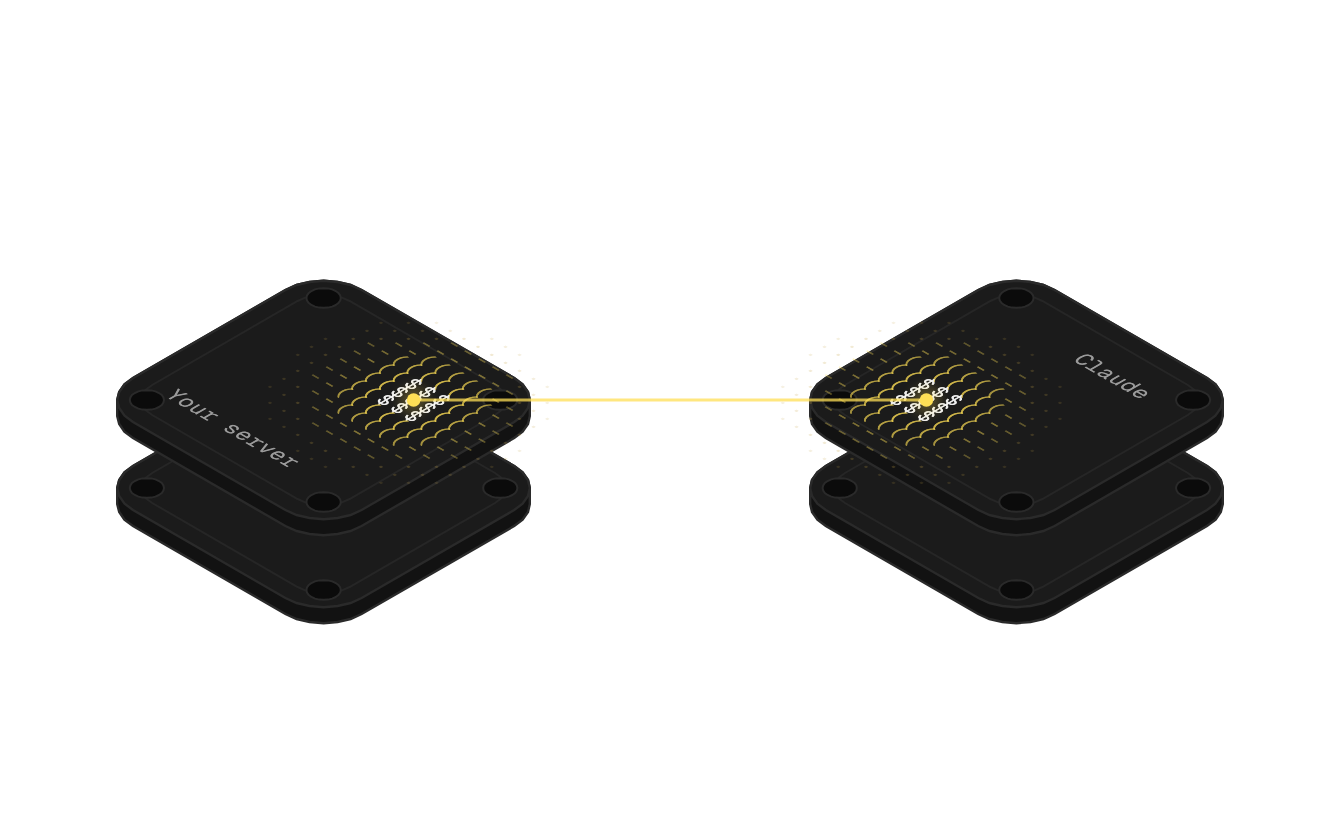
No. altbot, a small service someone installs on your network, opens the connection from your side, outbound only. Nothing listens for incoming traffic.
Each altbot has a separate switch for databases, internal web services and files, and enforces them itself, so you open only what you mean to. Folders also need a grant from an admin on that machine.
Who installs it?
Someone with access to the network: your IT person, or the firm that runs your accounting server. They install altbot and grant the read-only login.
Can it run in our own cloud?
No. altspark is a hosted service, and altbot is how it reaches your network.
Where the data goes
Does altspark keep a copy of our accounting data?
Of the tables you choose to sync, yes, kept current in altspark, a hosted service on Azure. Your accounting system stays the system of record. Some workflows skip the copy and fetch only when needed.
What about the AI model, does it keep our data?
That depends on the AI tool and your plan with it. Anthropic, for example, publishes retention rules by plan, including 30-day back-end deletion of deleted chats [Anthropic Privacy Center, 2026]. Check your provider's policy.
You can also pick the model provider for each step, or bring your own key, on any altspark plan.
Where are the credentials stored?
Encrypted at rest in altspark, and masked in logs.
Audit and control
Is there an audit trail?
Yes. Every workflow run is recorded step by step, including approvals, and every MCP tool call is logged with who made it. Run history is kept 30 days, 90 days or 1 year depending on the plan.
Who changed an entry in your books stays in your accounting system's own audit log. altspark syncs from your accounting system; it isn't where entries are made.
Is altspark SOC 2 compliant?
altspark is completing its SOC 2 Type 1 audit. The controls, policies and monitoring are in place. Ask us for our security practices and subprocessor list.
Does altspark detect sensitive data automatically?
Yes, in your data stores. altspark flags fields that look like personal data, such as a bank account, Social Security number or date of birth, by their names and their values, and suggests masking them. Once you accept, you choose for each role whether that field shows its real value, part of it, or nothing. Credentials are always masked in logs.
AI-specific risks
What is prompt injection, and does it matter here?
Prompt injection is when text the AI reads, in a document or a record, tries to steer it into doing something you didn't ask. It's real: attacks involving prompt injection averaged USD 5.89 million in IBM's 2026 study [IBM Cost of a Data Breach, 2026].
The defense is the same as for any over-trusted tool: the AI can only do what its access allows. Read-only access, approval before anything posts, and logging limit what a manipulated answer can do [OWASP Top 10 for LLM Applications, 2025].
What's "excessive agency"?
OWASP's name for an AI system with more functionality, permissions or autonomy than its job needs [OWASP Top 10 for LLM Applications, 2025]. Its example is an extension meant to read data that connects with an identity that can also update and delete.
For accounting, the fix is plain: read-only, only the tables you need, and a person approving anything that goes back in.
How to start safely
- List the questions you want answered, then the tables behind them.
- Create a read-only login with just those tables [Microsoft Learn, 2026].
- Install the outbound-only connection through whoever runs the server.
- Start with questions only. No write-back until the answers have earned trust.
- Add approval steps before anything goes back into the books.